Behind the mapper
A screen-free puzzle for my kids
My young kids enjoy Color Puzzle, a game about sorting colours into matching stacks. I wanted to bring that puzzle to the table, so I made a physical version with coloured discs and a wooden peg board. A small web tool helps me set it up from a screenshot. Once the pieces are ready, the phone goes away.
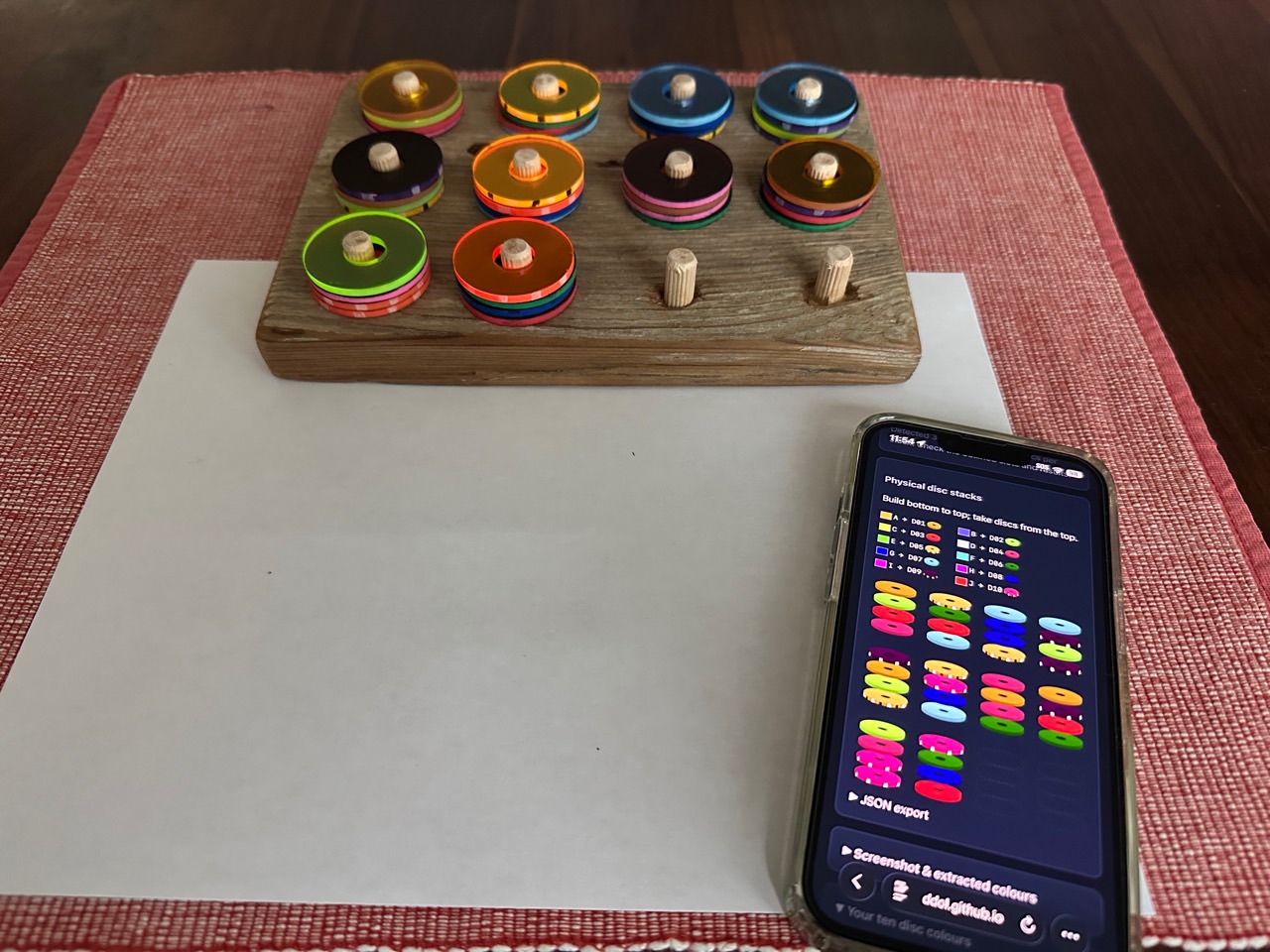
A puzzle we can share
The useful part has been how it changes the way we play. With the board between us, everyone can see the same state of the game. The kids can comment on what’s happening, suggest a move, and work together. We can offer suggestions too, without needing to pass a phone around or take over the controls.
We’ve played it in restaurants. It gives us something shared to look at and talk about while we wait. It also works as something the kids can direct themselves: they can move the pieces, consider their options, and decide what to try next without pulling out a device.
There’s no need to finish in one sitting. They can leave it, walk away, and come back later with the puzzle still where they left it. They aren’t rushed. There’s time to look at a move, change their minds, or think through what might happen a few moves ahead. For us, that makes it easier to offer a puzzle without also having to manage screen time.
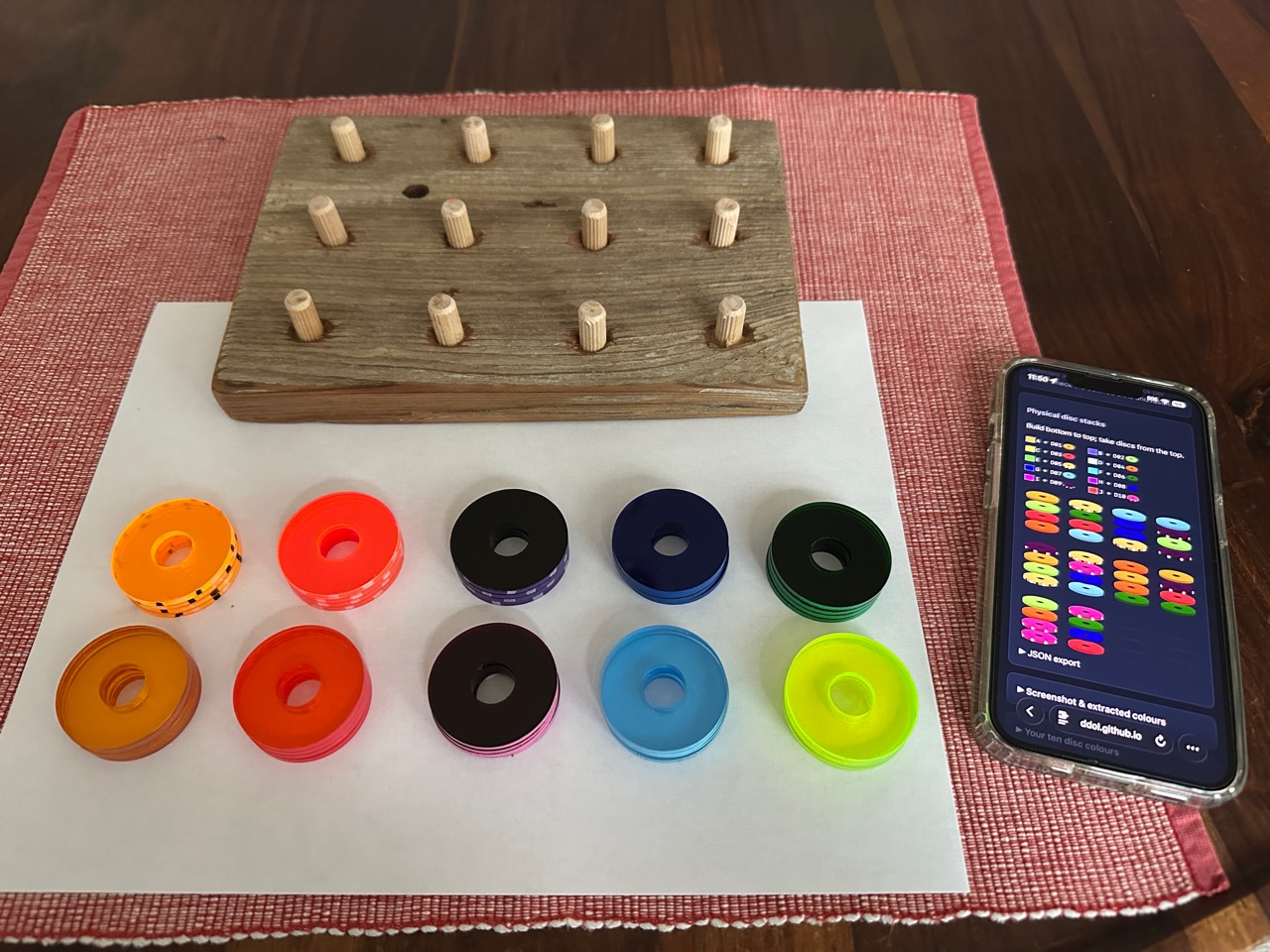
A fresh challenge with the same pieces
It has some of what makes board games appealing: real pieces, a shared view, and room for conversation. But the same set of pieces can become a different challenge each time. I get puzzle screenshots from r/ColorPuzzleGame, so keeping it fresh doesn’t mean buying another game or making another board.
The mapper handles the fiddly setup. I upload a screenshot, and it assigns each screenshot colour to one of our ten disc colours. The colours don’t have to match. It also reverses the stacks, because the digital game takes pieces from the bottom, while we lift discs off the top of the pegs.
Then I copy the arrangement onto the board and put the screen away. The technology does a small preparation job; the kids get the puzzle itself, at their own pace.
I’d be interested to hear what other parents have brought off a screen and onto the table. Have you found a game that works particularly well with homemade pieces?